The LoomWeb Blog
Tips, guides, and insights on digital wellness and taking control of your social media experience.

How to Filter AI Content on Instagram
Use LoomWeb's AI Content Warning patch to cover posts labeled with Meta AI Info and make Instagram feel less synthetic.
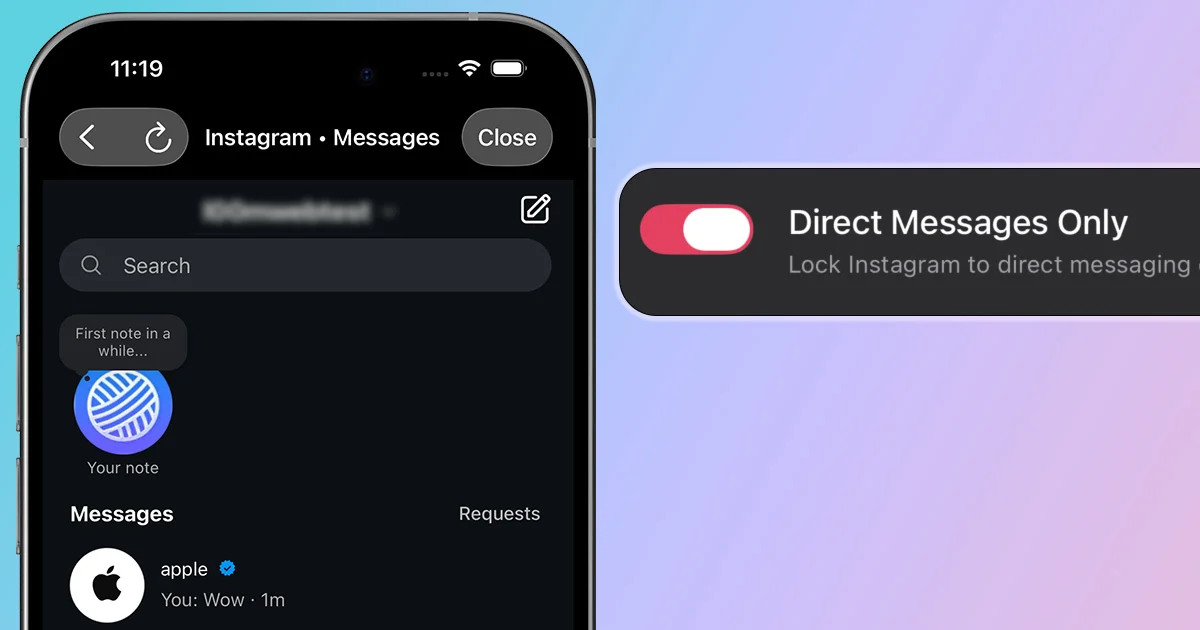
How to Use Instagram for DMs Only
Keep Instagram as a messaging tool while blocking the feed, Reels, Explore, and other attention traps.
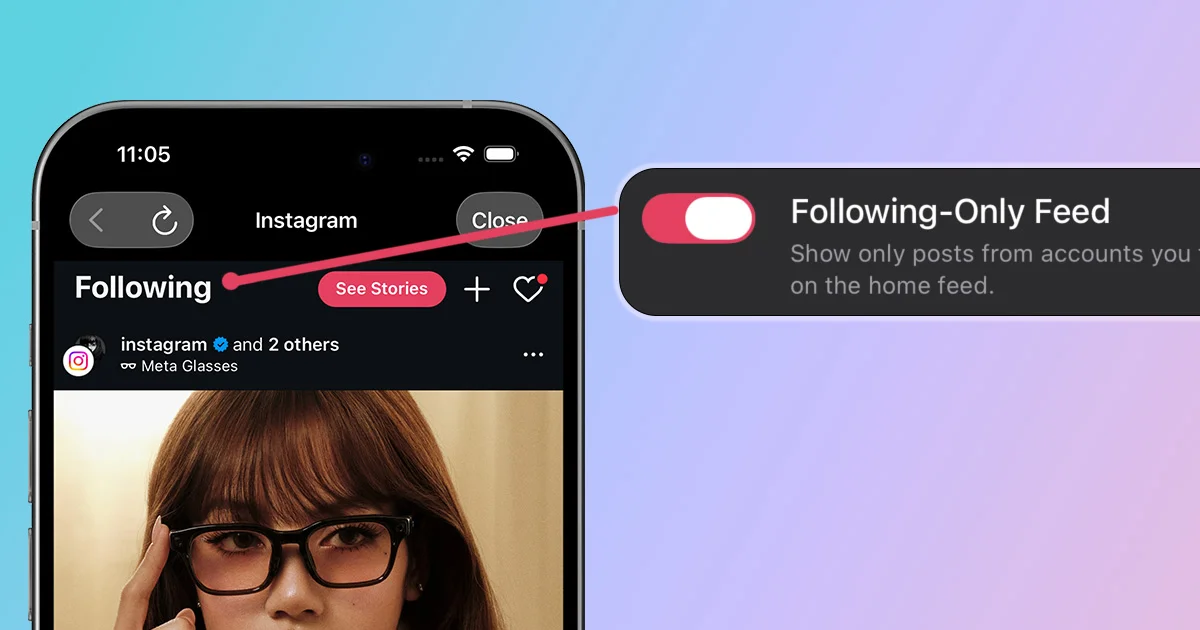
How to See Only Following Posts on Instagram
Turn Instagram into a cleaner following-only feed and avoid suggested posts from accounts you never chose.
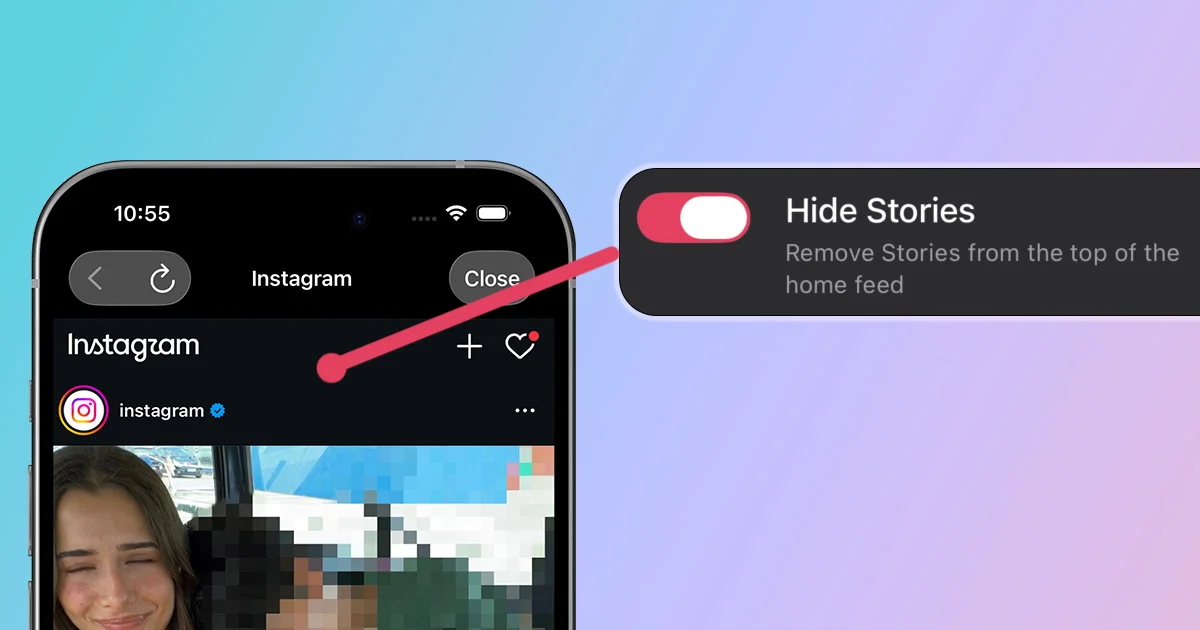
How to Hide Instagram Stories
Remove the Stories carousel and bring back a cleaner, more classic Instagram experience.
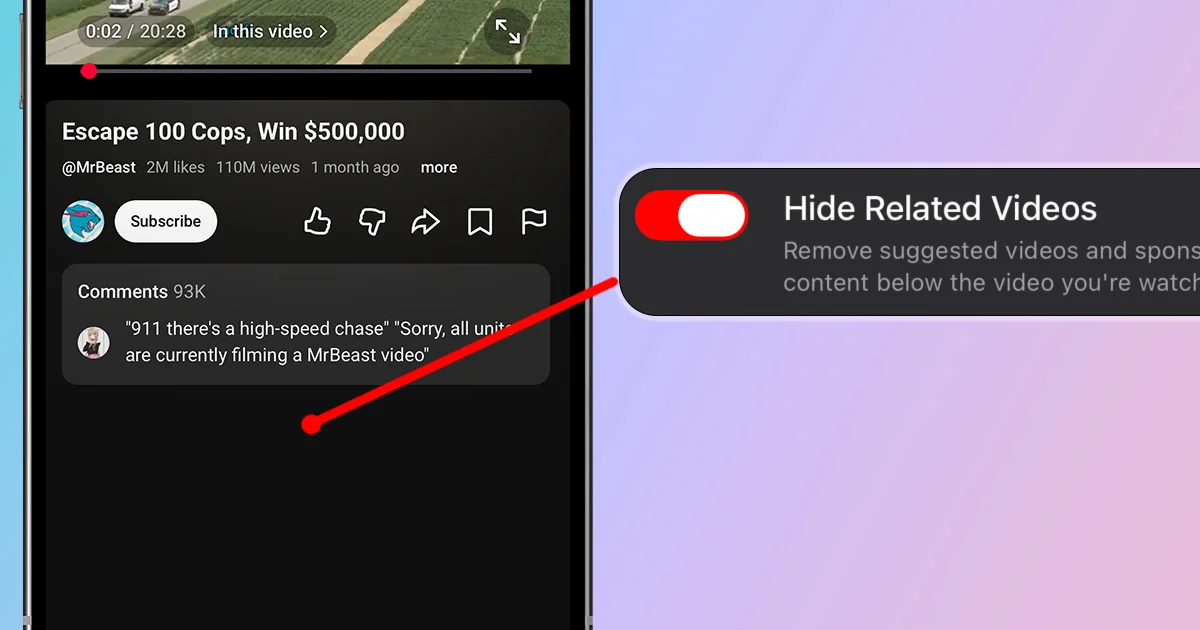
How to Hide YouTube Related Videos
Remove suggested videos below YouTube videos so one intentional watch does not become a long recommendation chain.
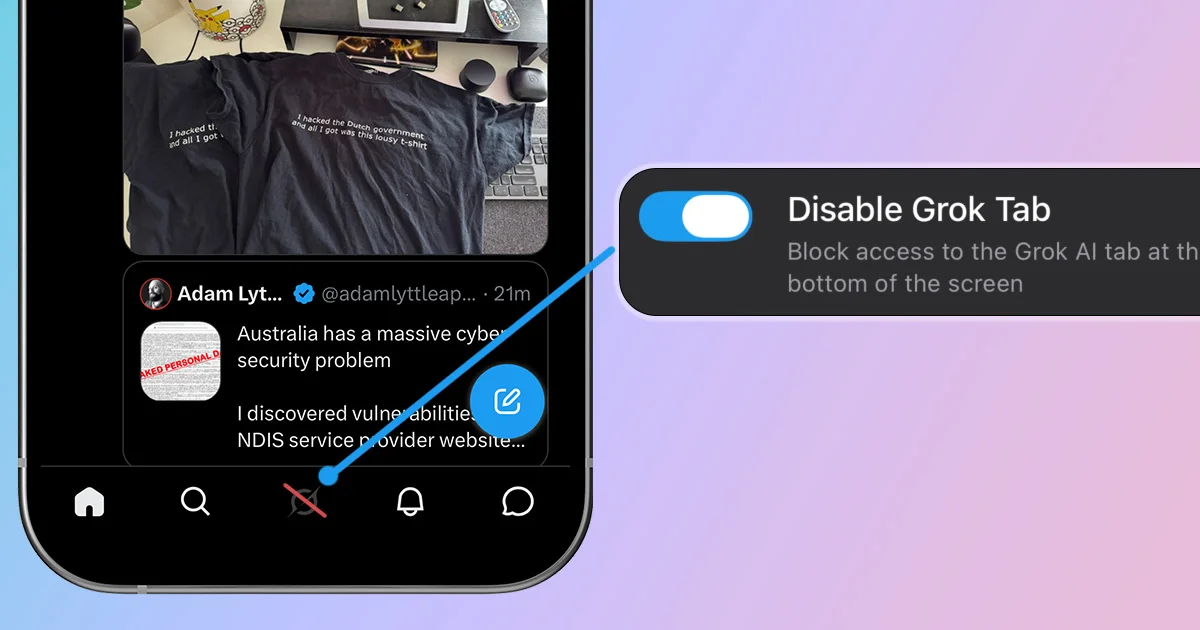
How to Disable Grok on X
Remove Grok from X's navigation while keeping the timeline, replies, and messages you actually use.
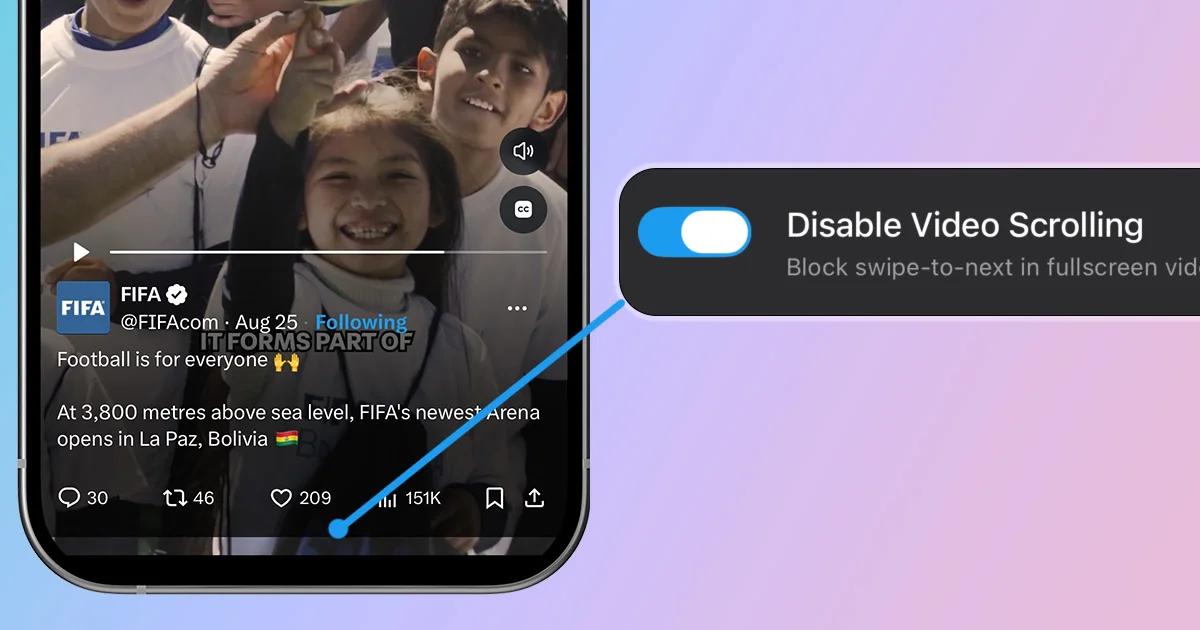
How to Disable X Video Scrolling
Stop one X video from becoming a doomscroll session by blocking swipe-to-next in fullscreen playback.
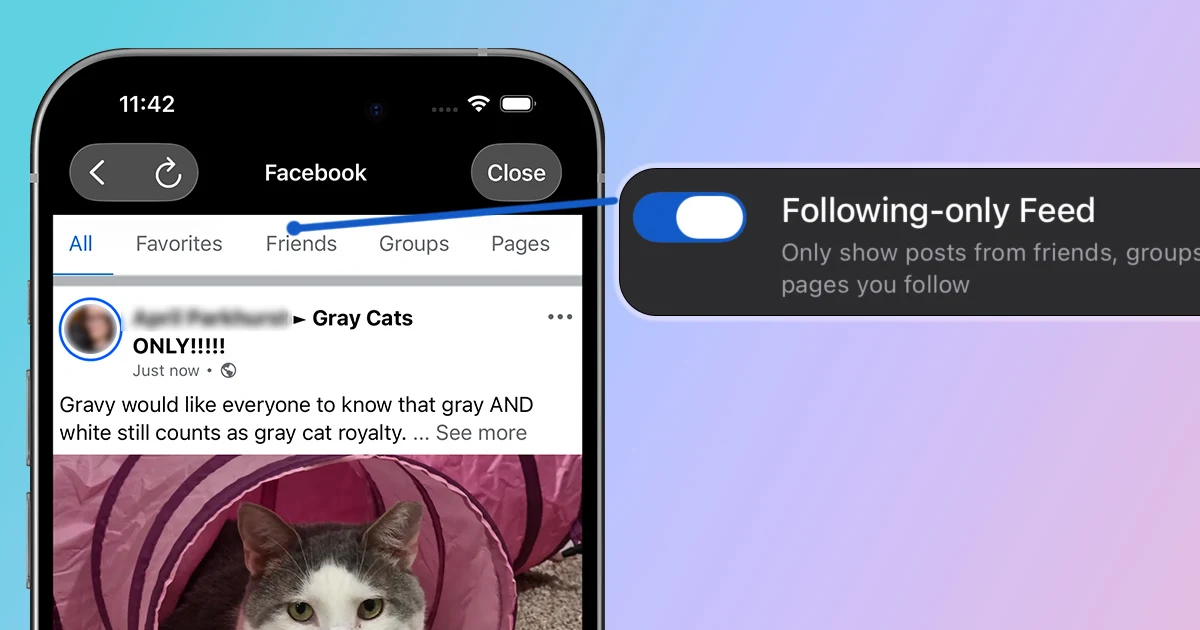
How to See Only Friends on Facebook
Use Facebook for friends, groups, and pages you follow while reducing suggested posts and recommendation clutter.
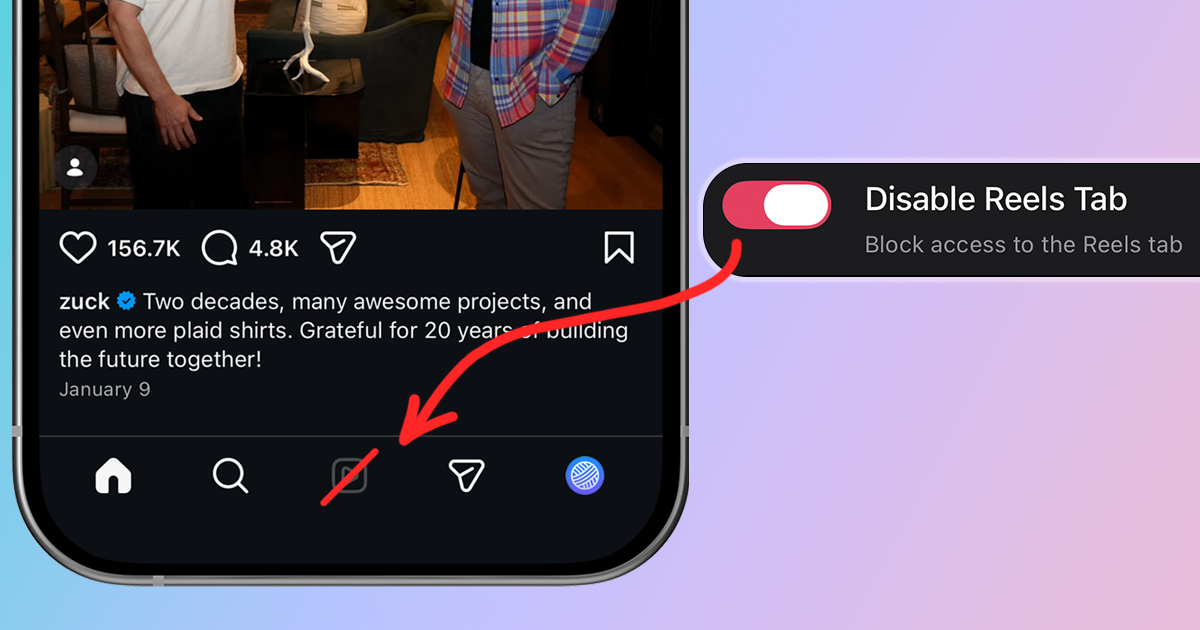
How to Disable Reels on Instagram
Tired of endless Reels hijacking your Instagram time? Learn multiple methods to disable or hide Instagram Reels and reclaim your focus.
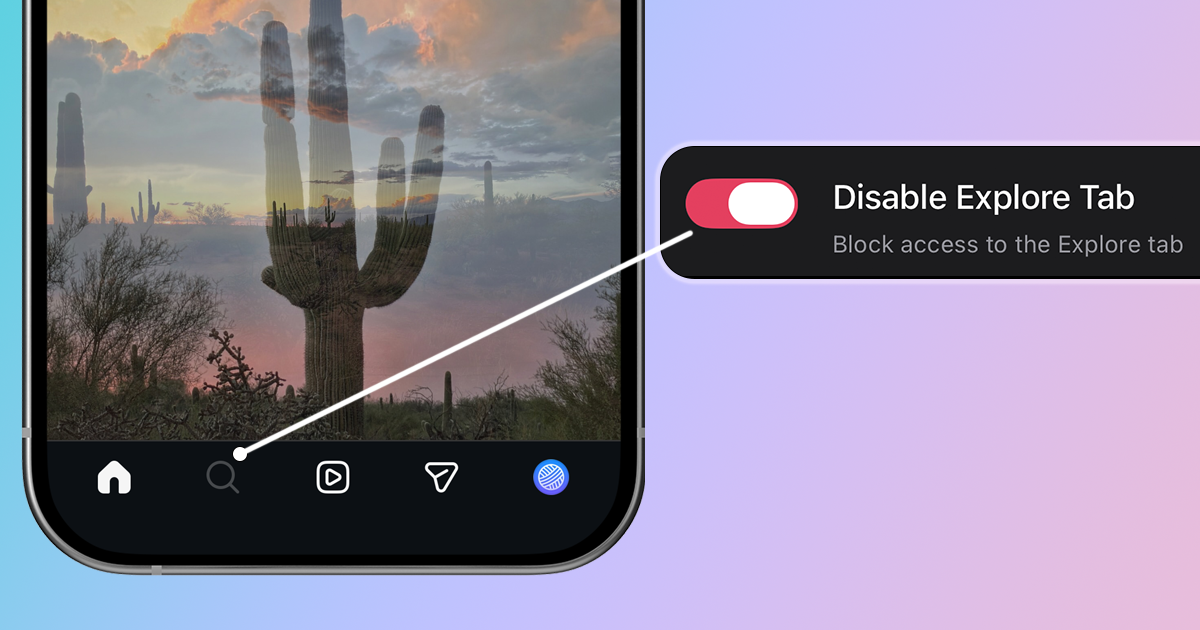
How to Disable Instagram Explore Page
Stop algorithmic recommendations from hijacking your attention. Block Explore entirely or keep Search without the grid.
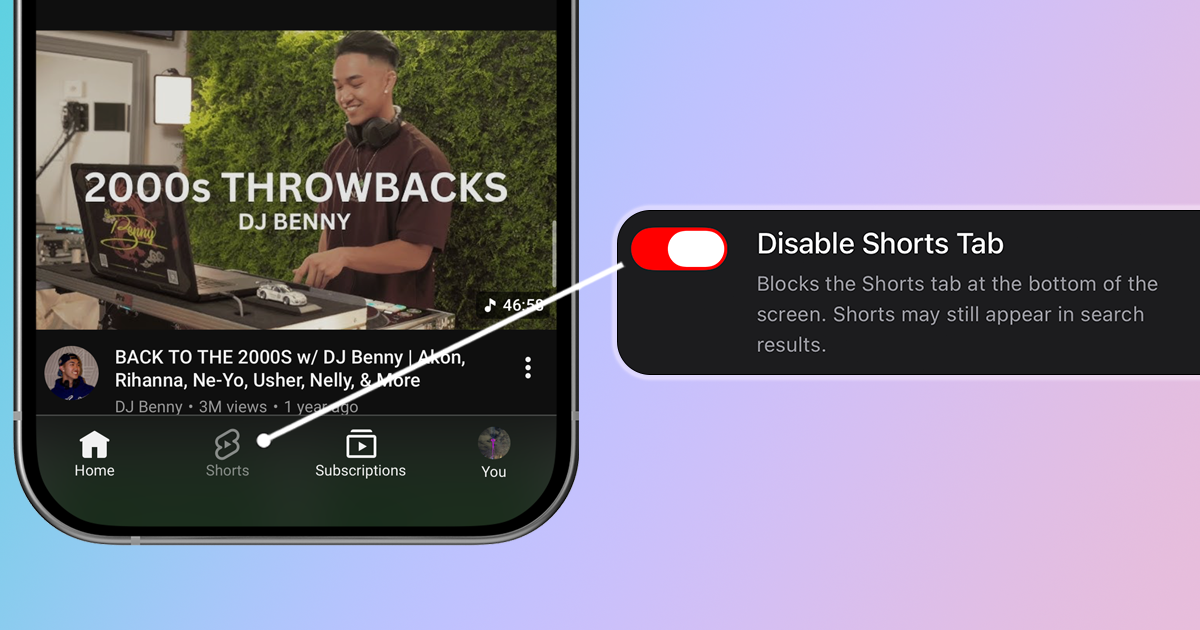
How to Disable YouTube Shorts
Block short-form videos and use YouTube for intentional learning. Stop the infinite scroll and take back control.
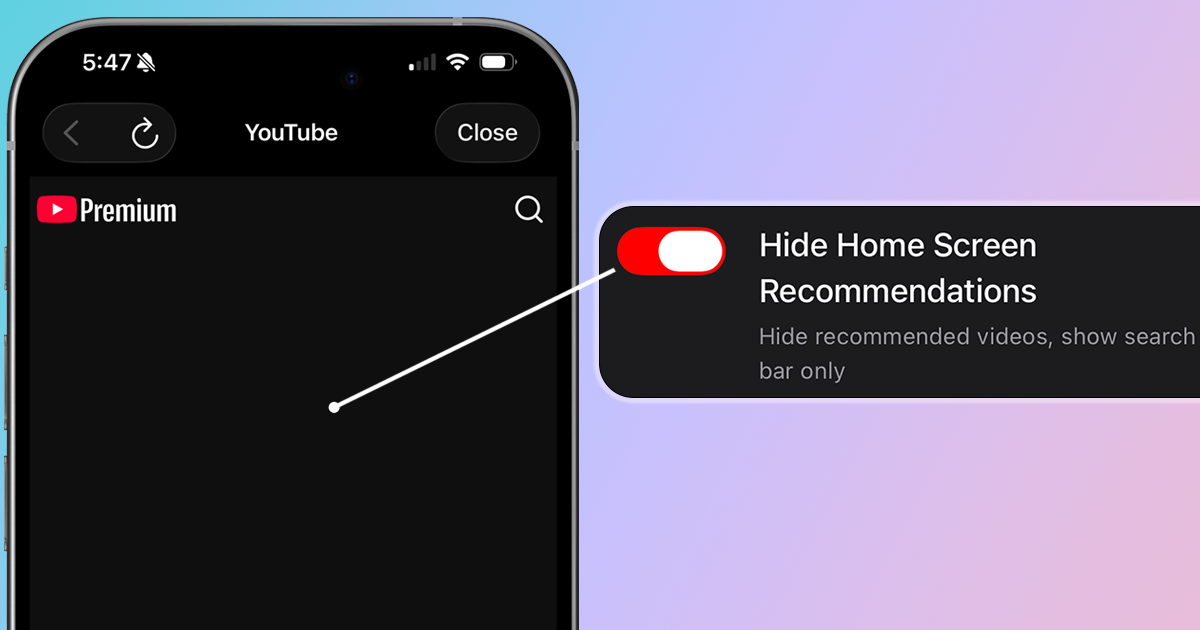
How to Disable YouTube Home Recommendations
Hide algorithmic suggestions and turn YouTube into a search-only tool. Take back control of what you watch.
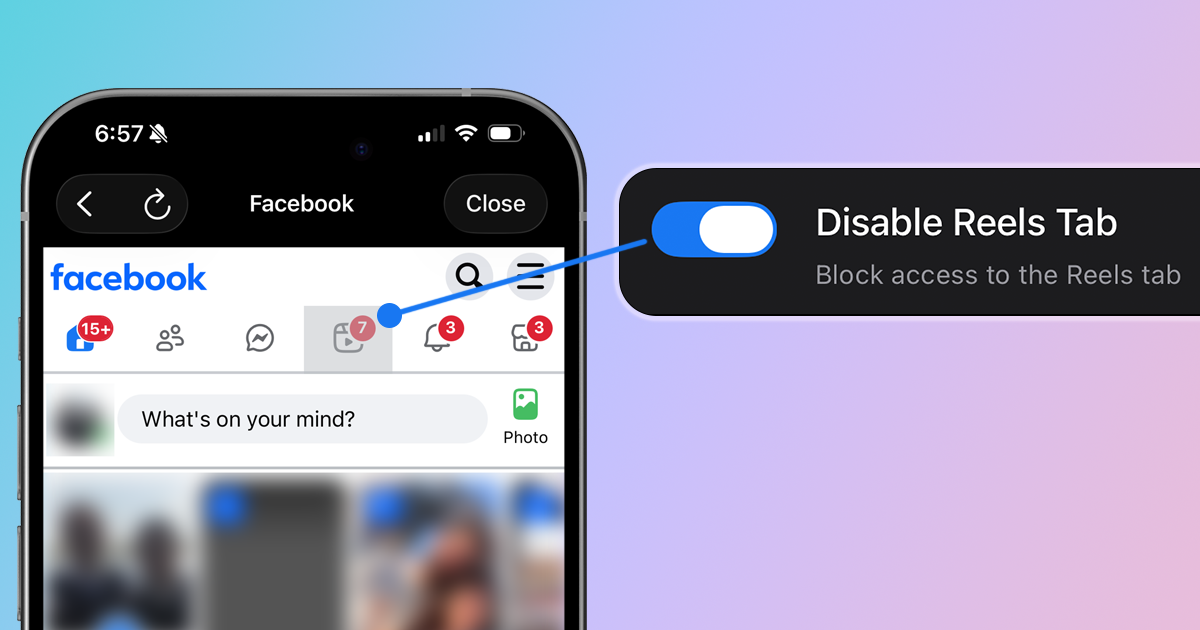
How to Disable Facebook Reels
Stop Facebook's short-form videos from hijacking your feed. Learn how to hide or block Reels on Facebook.
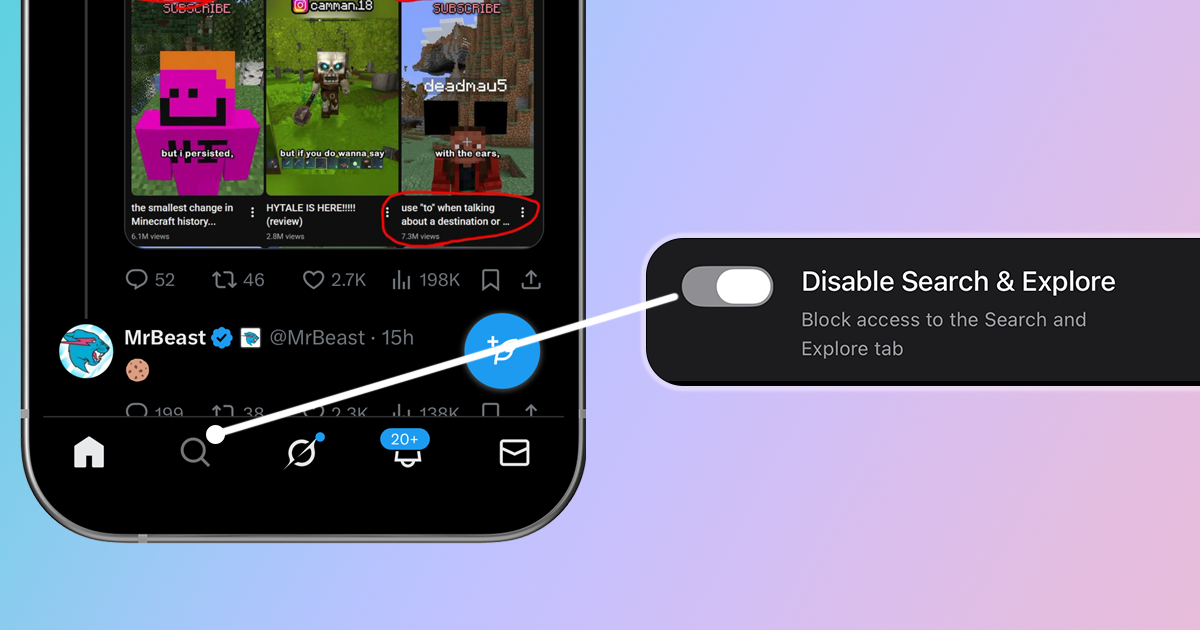
How to Disable X Search and Explore
Block trending topics and algorithmic recommendations on X (Twitter). Stop the outrage-driven Explore page.
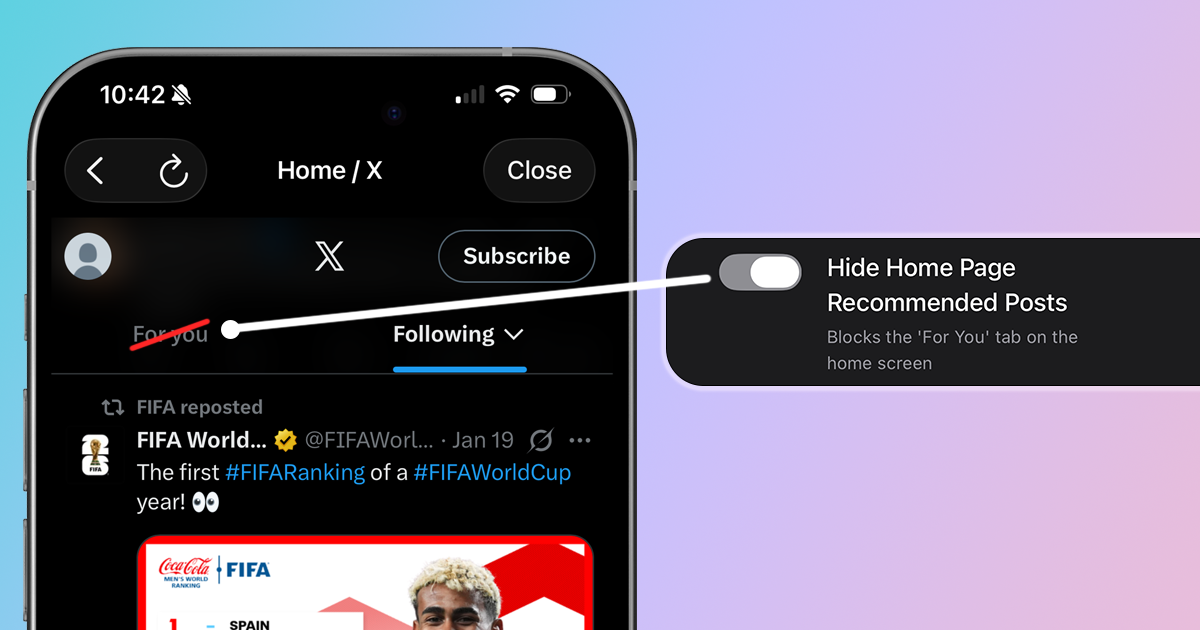
How to Disable X For You Recommendations
Hide the For You tab and see only your Following feed. Take back control of your X timeline.