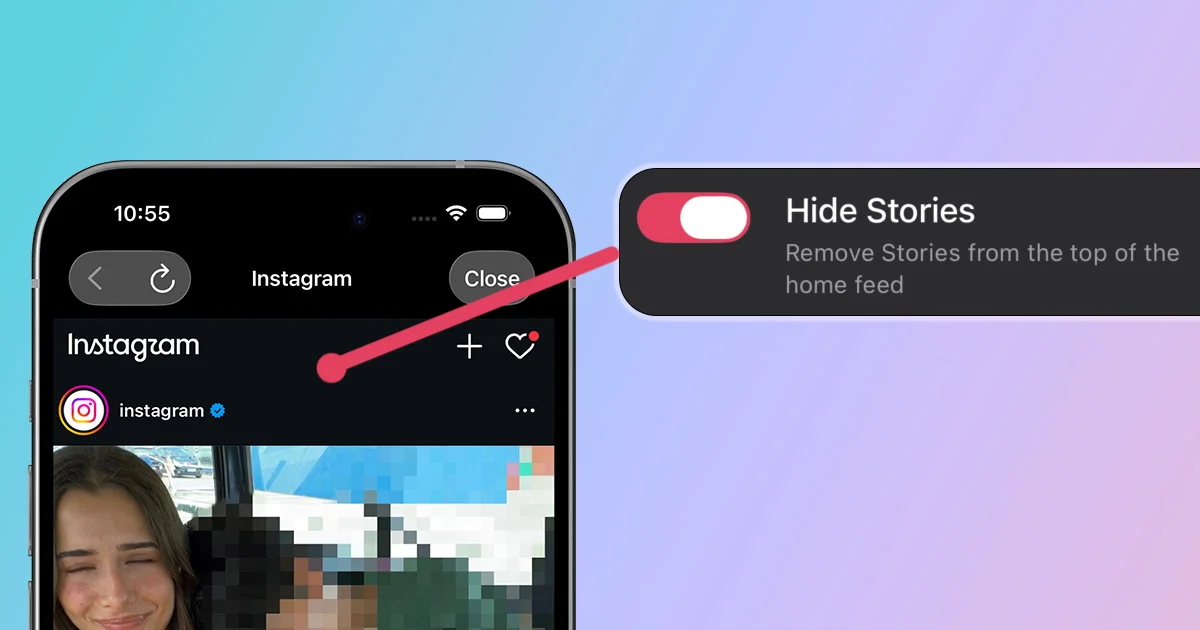
There was a time when Instagram did not have Stories. Now, they are the first thing you see when you open the app, with no obvious way to hide them. Whether you want a cleaner interface, less FOMO, fewer time-wasting distractions, or simply the classic Instagram experience, this guide shows you how to hide Instagram Stories on iOS and Android.
How to Hide Instagram Stories With LoomWeb
LoomWeb includes a Hide Stories patch for Instagram. It removes the Stories carousel from the top of the home feed, giving you a cleaner interface that feels closer to the classic Instagram experience.
- Download LoomWeb from the App Store or Google Play
- Create or edit an Instagram Weave
- Enable Hide Stories
- Save the Weave and browse Instagram through LoomWeb
The rest of Instagram still works. The patch simply removes the Stories row, giving you one less distraction every time you open the home feed.
Want Instagram to open without the Stories carousel?
How to Mute Stories From Specific Accounts
Instagram lets you mute Stories from specific accounts. This is useful if a few accounts are the main source of distraction.
- Open the profile of the account whose Stories you want to mute
- Tap Following below their profile information
- Select Mute
- Turn on Stories
You will still follow the account and see its regular posts unless you mute those separately. This works well when only a few accounts are the problem, but it does not remove the Stories row. You will also need to repeat the process for each account you want to mute.
Make the Rest of Instagram Less Distracting
Hiding Stories handles the first row of the home feed, but Instagram has plenty of other ways to pull you into an unplanned scroll. These LoomWeb patches work well together:
- Hide Stories + Disable Reels: removes two of Instagram's fastest scroll loops
- Hide Stories + Disable Explore: blocks the most common discovery traps
- Hide Stories + Direct Messages Only: turns Instagram into a communication tool
Choose the parts that match how you actually use Instagram. You do not need to block everything to make the app feel noticeably calmer.
Frequently Asked Questions
Can I turn off all Instagram Stories in the Instagram app?
Instagram lets you mute Stories from individual accounts, but it does not provide one setting that removes the entire Stories carousel. LoomWeb's Hide Stories patch removes the row when you use Instagram through an Instagram Weave.
Will hiding Stories block posts from people I follow?
No. The patch targets the Stories carousel. Regular posts and the rest of your Instagram experience remain available unless you enable other patches.
Can I still view Stories from specific people?
Yes. Hide Stories removes the carousel, but it does not block Stories completely. Search for the person's name, open their profile, and tap their profile picture to view their current Stories.
Does Hide Stories work on iOS and Android?
Yes. You can use the Hide Stories patch in a LoomWeb Instagram Weave on either platform.
The Bottom Line
Stories are not the whole Instagram problem, but they are a constant invitation. Removing them from the top of the feed changes the first few seconds of every visit, and those seconds matter.
With LoomWeb, you can keep Instagram useful while stripping away the parts that make it too easy to doomscroll.
Hide Instagram Stories
Download LoomWeb and make your Instagram home feed quieter from the first tap.