Complete Control Over Your Social Feeds
Reclaim your attention. Explore the full list of Patches and Weaves available in LoomWeb to customize your browsing experience and block the noise.
Reduce Instagram distractions by removing high-dopamine triggers.
Stop Instagram Doomscrolling
- Disable Reels Tab: Block the Reels tab to stop jumping into endless scrolling.
- Disable Explore Tab: Block the Explore page to prevent algorithmic suggestions and avoid infinite scrolling.
Focus & Minimalist Mode
- Hide Stories: Remove the Stories carousel from the top of your home feed for a cleaner, distraction-free interface.
- Curated Home Feed: Hide suggested posts and "Recommended for You" content, so you only see posts from accounts you actually follow.
- DM-Only Mode: Lock Instagram to Direct Messaging only, for focused communication without distractions.
YouTube
Turn YouTube into a distraction-free space built for learning.
Block YouTube Shorts
- Disable Shorts Tab: Removes the Shorts tab from the bottom menu, reducing the chance you open the Shorts feed.
- Prevent Shorts Scrolling: Blocks the swipe-to-next gesture in fullscreen Shorts, so videos opened from Home, Search, or elsewhere don't lead to an infinite scroll.
Focus & Minimalist Mode
- Hide Home Screen Recommendations: Replace the Home Screen algorithmic feed with a blank page and search bar only. Search without being pulled into random videos.
X (Twitter)
Filter out the noise and stick to the news and accounts you care about.
Remove Attention Traps
- Following-Only Feed: Blocks algorithmic recommendations on the home screen, so you only see posts from accounts you follow.
- Disable Search & Explore: Blocks access to trending topics and the Explore tab.
- Stop Video Scrolling: Disables swipe-to-next and auto-scroll in fullscreen videos so a single clip doesn’t turn into a chain of endless recommendations.
Keep up with friends and family without getting stuck surfing Reels.
Block Facebook Reels
- Disable Reels Tab: Blocks the Reels button so you’re less likely to open the short-form video feed
- Stop Reel Scrolling: Blocks the swipe-to-next gesture in fullscreen Reels, preventing doomscrolling even when a Reel appears in your main Feed.
Master Your Digital Environment with LoomWeb Pro
Seamlessly integrate focused browsing into your daily routine with powerful iOS features.
Your Library of Focus Modes
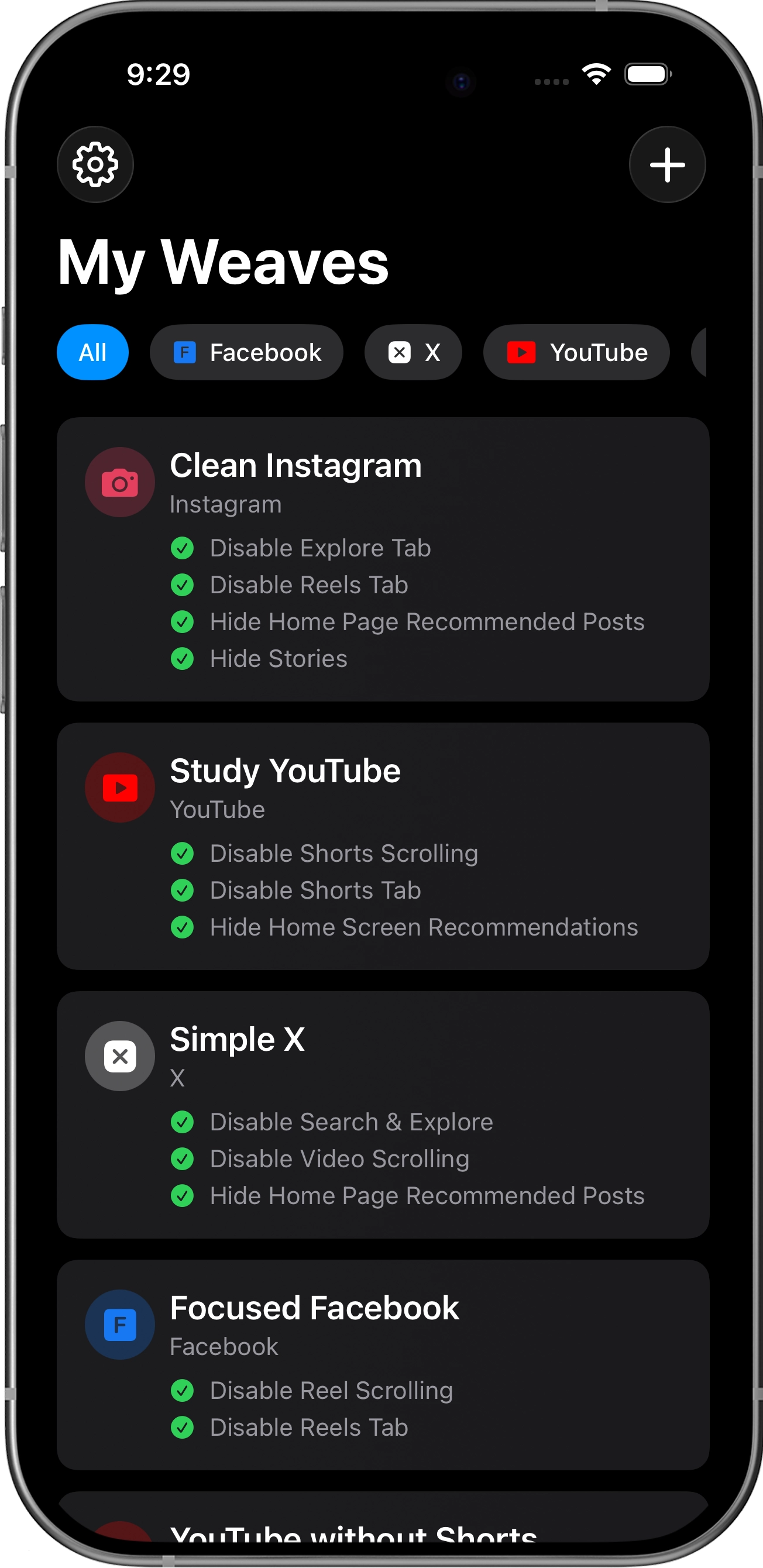
Don't settle for one-size-fits-all. Build a library of Weaves to match your intent—whether you're working, learning, or relaxing.
Create a "Deep Work" weave that blocks everything but search, or a "Weekend" weave that lets you see the feed but hides the Reels.
Smart Home Screen Widgets
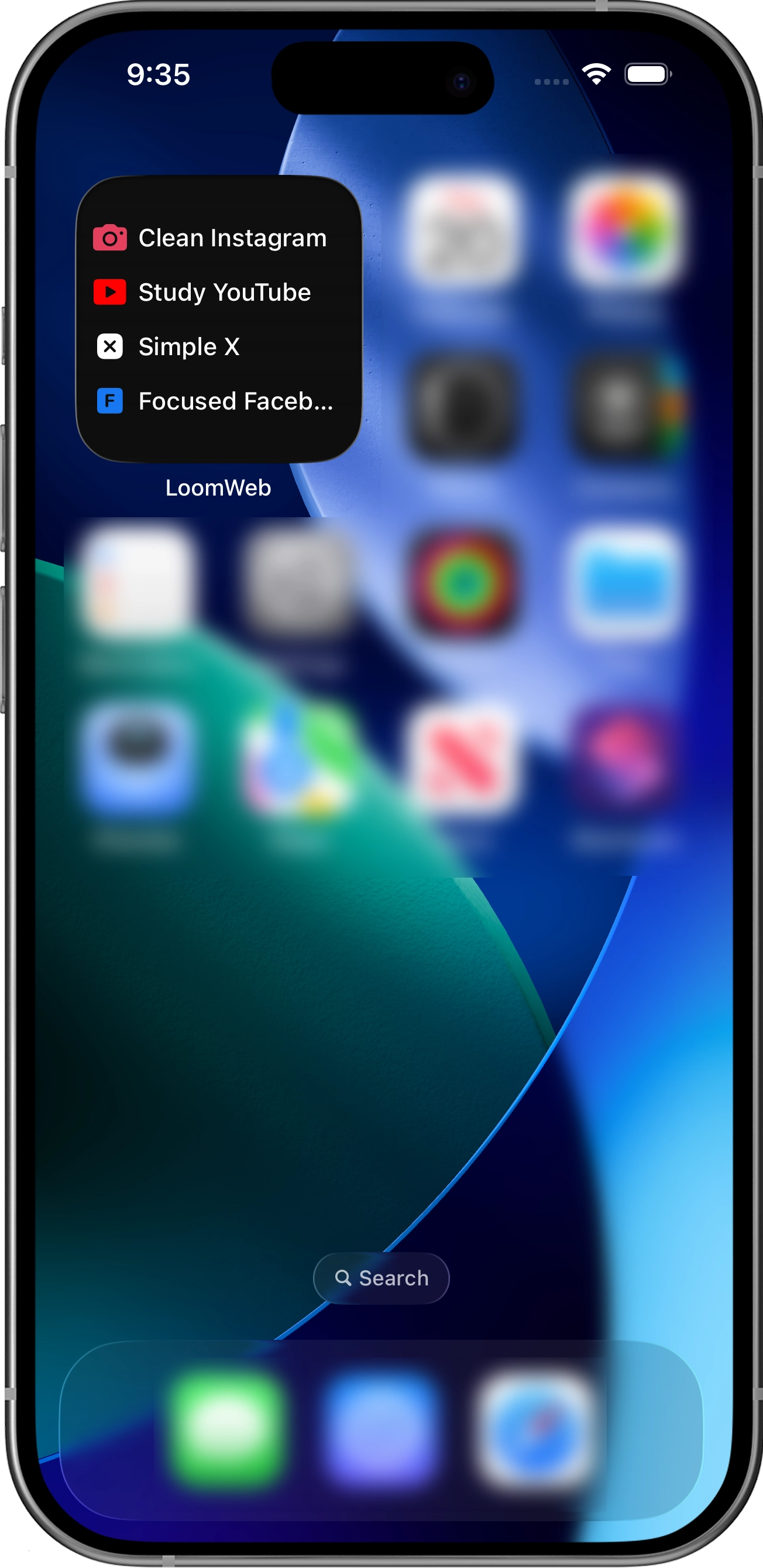
Instant Access: Launch your top Weaves directly from your Home Screen without opening the app first.
Smart & Dynamic: Choose a static layout to keep your favorites pinned, or a dynamic mode that automatically surfaces your most recently used Weaves.
Flexible Layouts: Available in compact (2x2) or expanded (4x2) sizes to fit your perfect home screen setup.
Launch Weaves Like Native Apps
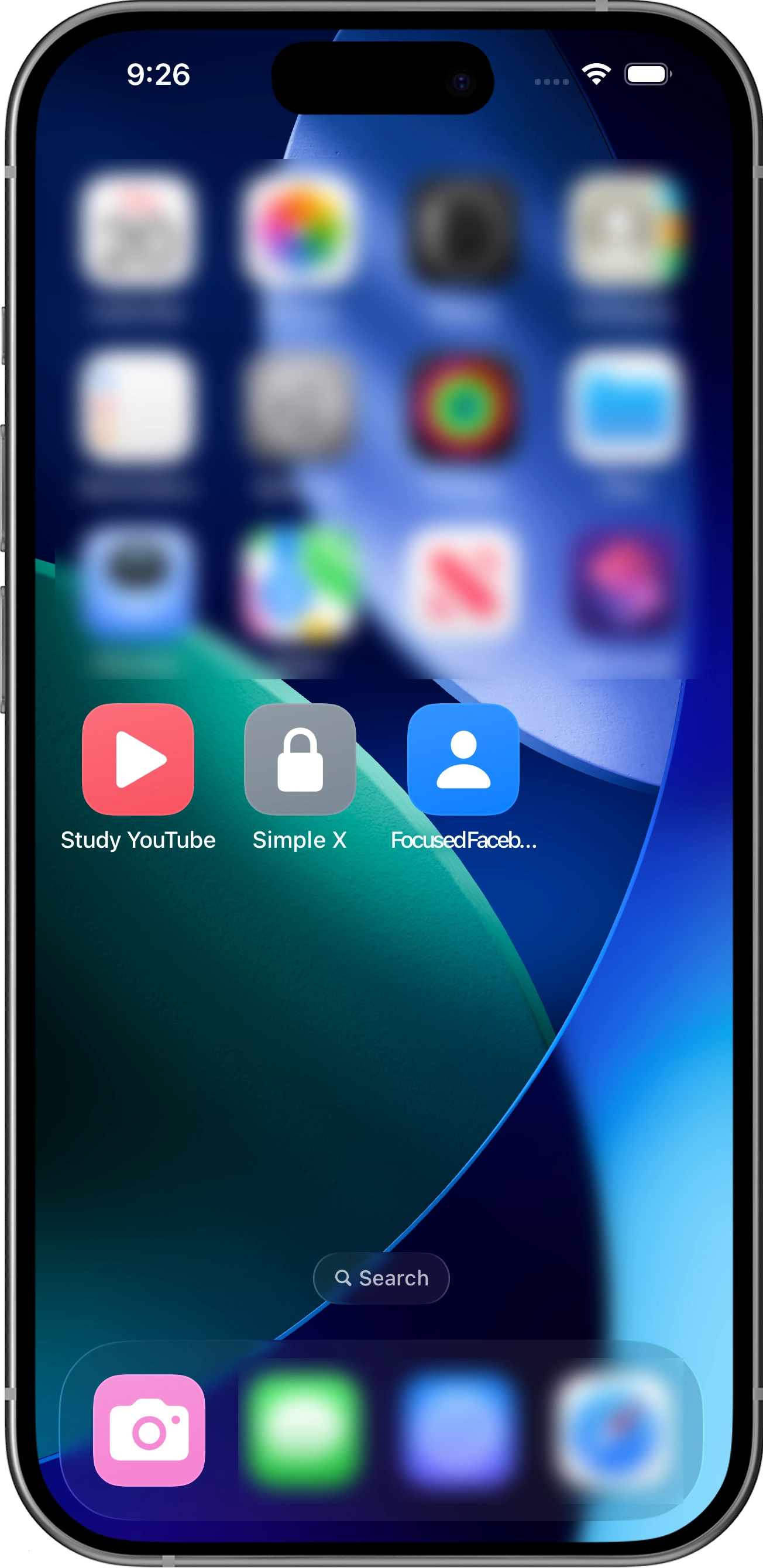
One-Tap Access: Skip the app navigation. Create custom home screen icons that launch you directly into a specific Weave.
Total Customization: Design icons that match your aesthetic. Choose from any color and symbol combination, or upload your own custom image.
A Native Feel: Place Weaves in your dock, folders, or Spotlight search. They look and behave just like standard apps for a truly custom OS experience.